Some links on this page may be affiliate links. They never change a rating. Details
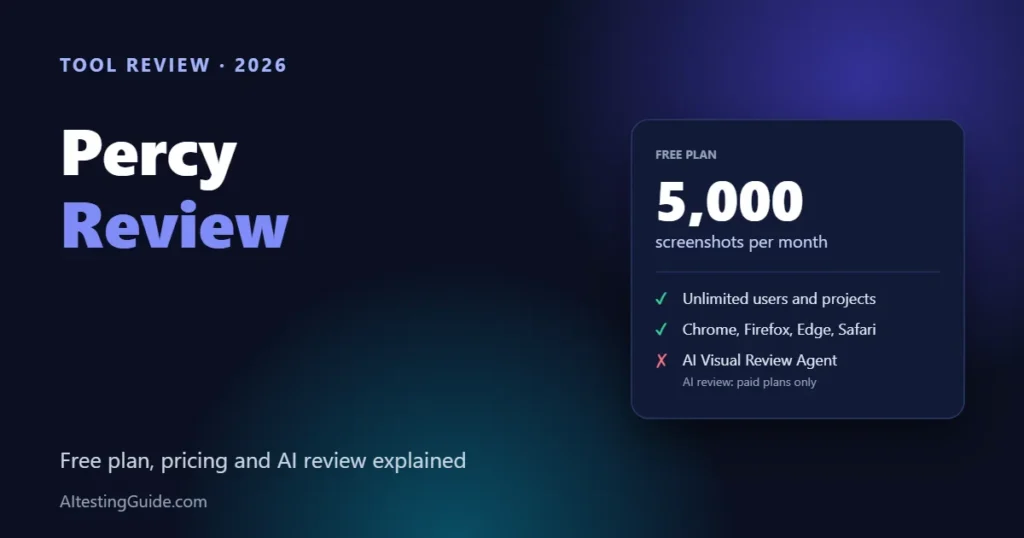
Percy is BrowserStack’s visual testing tool, and it has a real free plan: 5,000 screenshots a month with unlimited users and projects. Paid plans start at $199 a month (billed annually) and are the only ones that include its AI Visual Review Agent. It is a good first visual testing tool for teams already running Playwright, Cypress, Selenium or Storybook.
Updated 9 November 2026. Prices and features come from Percy’s pricing page and documentation, checked on that date. On 10 November 2026 we ran a small hands-on test of Percy’s command-line tool against our own homepage; see “What We Actually Ran” below. Everything else here comes from Percy’s documentation and pricing.
What We Actually Ran
- Date and setup: 10 November 2026, free Percy account. We created a project in the dashboard, installed Node.js and ran Percy’s command-line tool (@percy/cli) on a Windows PC to snapshot our homepage, https://aitestingguide.com/.
- Setup problems we hit: Node.js was not installed; PowerShell blocked the npx script until we used npx.cmd; Percy’s own downloaded browser timed out on launch (30 seconds), so we pointed it at the installed Chrome instead; and the first upload failed with “Invalid API token” because the wrong text was pasted as the token. Each one was ours to fix, but the first run was not smooth for a non-developer.
- Result: Build #1 finished processing in about one minute. Percy captured the homepage in 4 browsers (Chrome, Firefox, Edge, Safari) at 2 widths (375 and 1280 px), 8 renders in total, and the dashboard showed it as one new snapshot. The 1280 px Chrome render showed our actual homepage.
- Limits: as the first build there was no baseline, so there was no visual diff to review. We did not run it in a CI pipeline, test a second build, or use the Visual Scanner, Figma or integrations. We make no claims about diff accuracy or false positives.
- Earlier exploration: before this we had only looked at Percy’s built-in demo project in the dashboard.

What Is Percy?
Percy captures screenshots of your app during your normal test runs, compares them with an approved baseline, and shows the differences in a dashboard where your team approves or rejects each change. It is part of BrowserStack. You add a snapshot call to tests you already have, so there is no separate test suite to maintain.
Percy offers two ways to integrate. The Percy SDK plugs into your existing framework and supports layout testing and responsive snapshots. The BrowserStack SDK runs your functional tests on BrowserStack Automate while visual tests run on Percy in parallel, but per Percy’s docs it does not support layout testing or responsive snapshots.
Percy Pricing and Free Plan (2026)
| Plan | Price | Screenshots per month | Notable details |
|---|---|---|---|
| Free | $0 | 5,000 | Unlimited users and projects, Chrome, Firefox, Edge and Safari, responsive testing, 30-day build history, email support |
| Desktop | $199/month (billed annually) | 10,000, then $0.036 per extra screenshot | 12-month build history, AI Visual Review Agent, advanced comparison sensitivity |
| Desktop & Mobile | $599/month (billed annually) | 25,000, then $0.048 per extra screenshot | Everything in Desktop, plus real mobile devices and mobile browsers |
| Enterprise | Custom quote | Custom | SSO, access control, dedicated customer success manager, 99% uptime SLA |
How Percy counts screenshots
Usage is measured in screenshots, not pages. Percy’s docs give this example: two pages rendered in two browsers at three widths produce twelve screenshots, although the dashboard shows them as two snapshots. If you test responsive layouts in several browsers, 5,000 screenshots go faster than they sound, so plan your coverage before you rely on the free plan.
Percy’s AI Visual Review Agent
Percy’s AI feature is the Visual Review Agent. According to the docs it replaces pixel-level noise with cleaner highlights, adds a plain-language summary of what changed, and flags possible bugs with an icon. Percy calls it the recommended review mode and suggests switching to it if you use Layout testing; the two cannot be used together.
The catch: the Visual Review Agent is available only on paid plans. On the free plan you get Percy’s standard visual comparison. Percy also lists a “Visual Test Integration Agent” on its pricing page, marked as upcoming.
Percy Pros and Cons
- Pro: a real free plan with unlimited users and projects, which is rare among visual testing tools.
- Pro: official SDKs for Playwright, Cypress, Selenium (Python) and Storybook, all MIT-licensed on GitHub.
- Pro: review and approval workflow built for teams, with GitHub, GitLab, Bitbucket and Azure DevOps support listed on the pricing page.
- Con: AI review is paid-only, and the first paid tier is $199 a month.
- Con: the free plan keeps build history for 30 days, against 12 months on paid plans.
- Con: screenshot counts multiply across browsers and widths, and extra screenshots are billed per shot.
Who Should Use Percy?
- Small teams and solo QA engineers who want to try visual testing without paying.
- Teams already on BrowserStack who want functional and visual results in one place.
- Frontend teams with Storybook who want visual checks on components (compare with Chromatic).
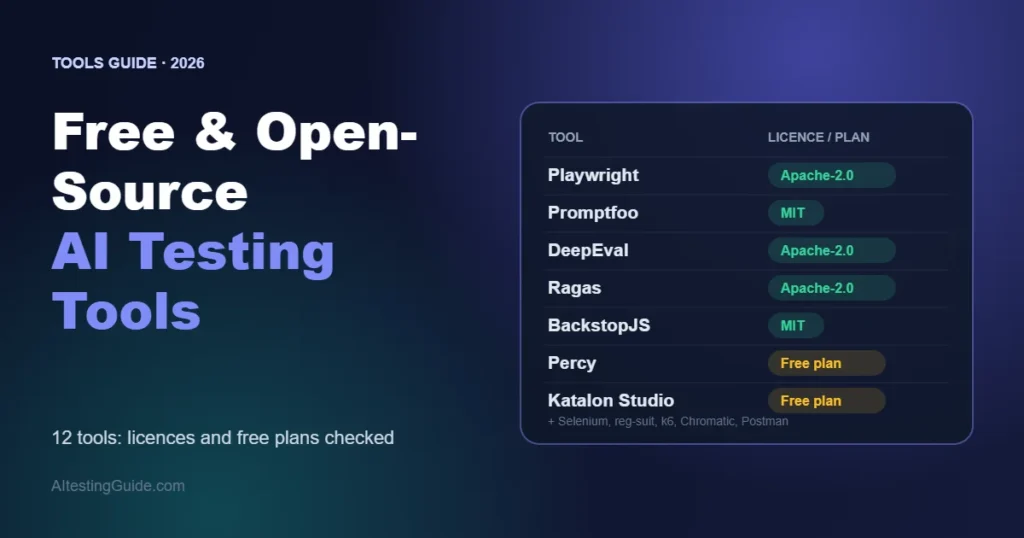
If you need AI-driven comparison across a very large suite and have budget, look at Applitools instead. If you only need pixel comparison and are comfortable maintaining it, free tools such as Playwright’s built-in screenshots or BackstopJS are enough. Our best AI visual testing tools guide compares all of them, including what we tested ourselves.
How We Reviewed Percy
This review combines two things, checked on 9 November 2026: Percy’s own pricing page, documentation and public SDK repositories, and a hands-on look at the dashboard of a free Percy account we created. We have not run Percy builds on a real project, so we make no claims about speed, accuracy or false-positive rates. We will add those results once we have tested it. For a first-hand comparison of free tools, see what we tested with Playwright, BackstopJS and reg-cli.
What We Saw in Percy’s Dashboard
After signing up for the free plan we looked through the dashboard. This is what was on screen, not a performance test.
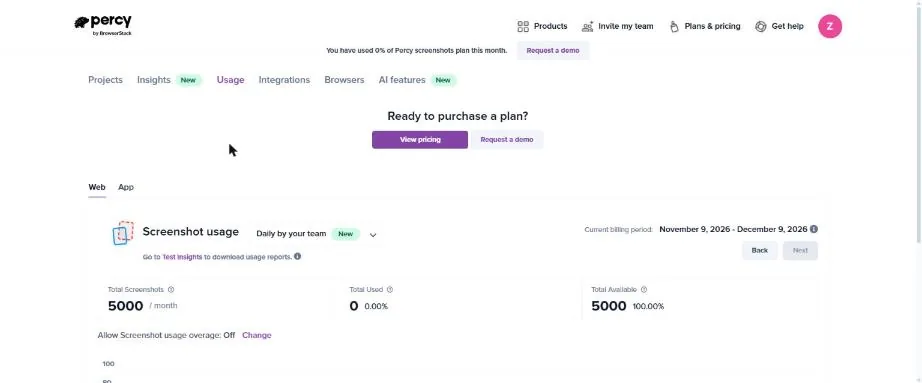
- Usage: the free account showed an allowance of 5,000 screenshots per month, with none used, for the billing period 9 November to 9 December 2026. Overage was switched off by default.
- Browsers: Firefox, Chrome and Edge were enabled. Safari, Safari on iPhone and Chrome on Android were off, and the dashboard notes that each extra browser uses additional screenshots.
- AI features: the AI tab stated that the free plan covers setup, builds and review, while bug detection and merge gating need the Visual Review Agent on a paid plan. It also listed an early-access coding-agent plugin.
- Integrations: a list of CI and tooling integrations was available from the account settings.
Percy also provides a demo project with a prebuilt build. In its review screen, changed snapshots were listed and similar differences were grouped together, with side-by-side baseline and new views at 375, 768 and 1280 pixel widths and an Approve build button. The demo data belongs to Percy, so it shows how review works rather than how Percy performs on your app. The screen also carried upgrade messaging with Percy’s own claims, such as fewer visual differences and faster reviews. Those are vendor claims we have not tested.

Related reading: Applitools vs Percy, Applitools review, BrowserStack review and the 10 best AI testing tools.
Frequently Asked Questions
Is Percy free?
Yes. Percy has a free plan with 5,000 screenshots a month, unlimited users and unlimited projects. The AI Visual Review Agent is not included; it is available only on paid plans.
How much does Percy cost?
Percy costs $199 a month for the Desktop plan (10,000 screenshots) and $599 a month for Desktop & Mobile (25,000 screenshots), both billed annually. Extra screenshots cost $0.036 and $0.048 each. Enterprise pricing is custom.
Does Percy use AI?
Yes, through its Visual Review Agent, which summarizes changes, reduces noisy highlights and flags possible bugs. It is available only on Percy’s paid plans.
Does Percy work with Playwright, Cypress and Selenium?
Yes. Percy maintains open-source SDKs for Playwright, Cypress, Selenium (including Python) and Storybook; the repositories we checked are MIT-licensed.
Is Percy part of BrowserStack?
Yes. Percy is BrowserStack’s visual testing product, and its documentation and pricing live on the BrowserStack site.
What is a Percy screenshot?
A screenshot is one rendering of a page or component in a single browser at a single width. Two pages in two browsers at three widths equal twelve screenshots.
Sources: browserstack.com/pricing (Percy), BrowserStack Percy docs (plans and billing, Visual Review Agent, supported SDKs) and the percy GitHub repositories, all checked 9 November 2026.

QA automation engineer. Each guide says what I ran myself and what I only researched, and I update it when things change. About me
One useful email a week
New guides, tool price changes and AI testing news. No spam.